



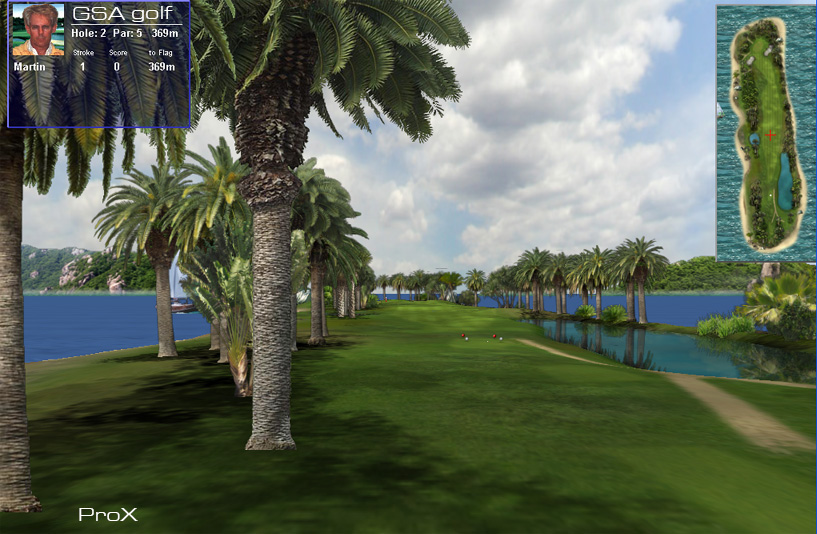

Currently in development
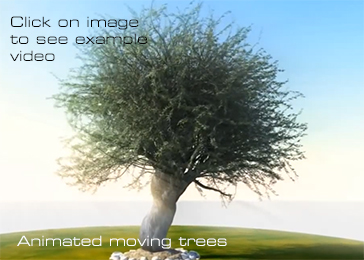
ProX 2 will be using the latest OpenGL GLSL shader rendering techniques to produce stunning graphics.
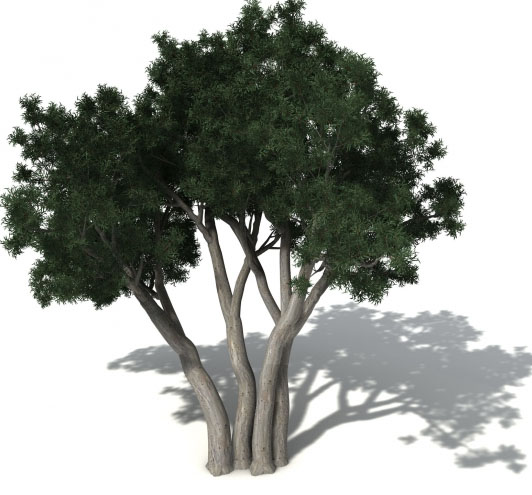
ProX 2 - featuring 3D trees, vastly improved terrain rendering and ball physics
will be available next year as free upgrade to the standard ProX software
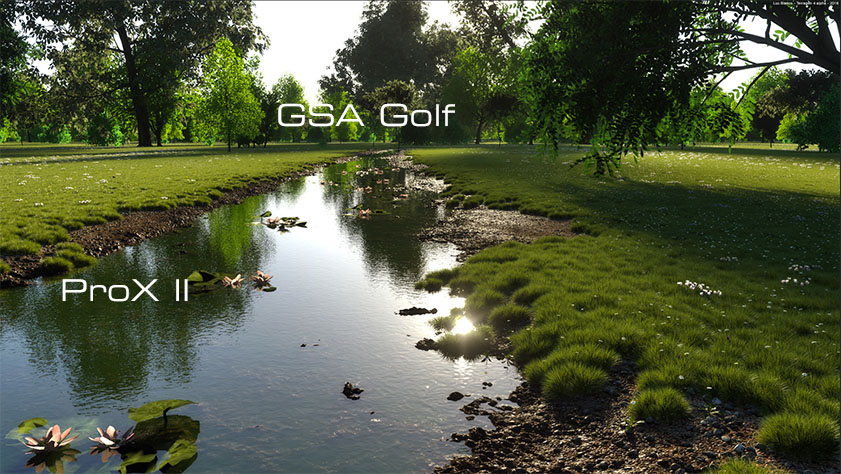
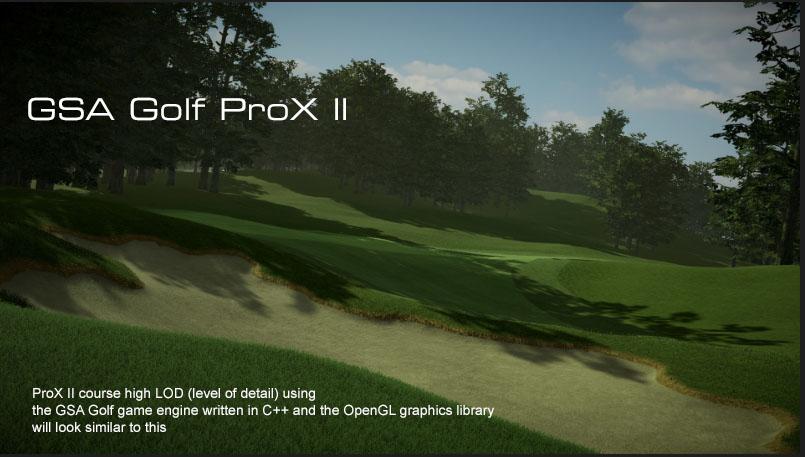
The new GSA Golf ProX II golf simulator game software with stunning graphics is currently under development.
The new ProX-ll will be using the GSA Golf OpenGL GLSL in-house developed game engine
with high polygon terrain models and a new physics engine.
Go here for : ProX golf course designing general info
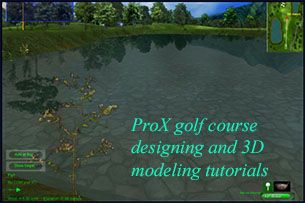
Go here for : ProX Golf Course designing and modeling tutorials
Go here for : Auto Course generation
Go here for : ProX Golf Course designing and modeling with 3DStudio Max
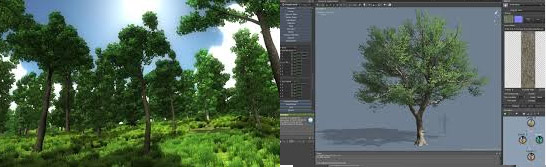
Click above for "Speed Trees" 3D tree and plant rendering
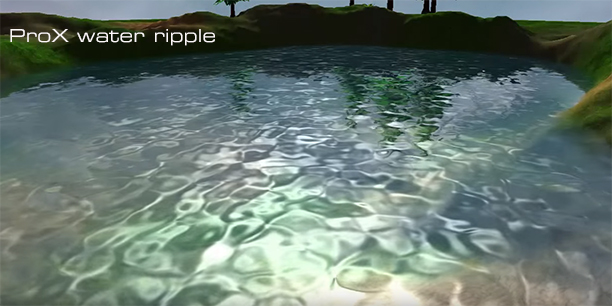
The water ripple effect is one of the more complex new features coming to ProX 2 in the coming months requiring lighting, refraction and reflection calculations and bump map animation.
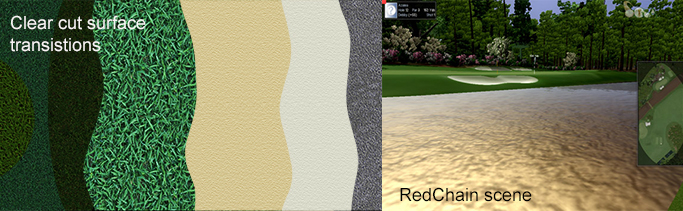
ProX II will feature a new clearer and more defined surface rendering technique
While ProX I used a single very large surface image that was stretched across the complete scene to render the ground surfaces which made transitions from one surface type to the other look quite fuzzy,
ProX II will be using individual texture image with very defined smooth cutouts for each surface type.
Other advantages to this method include very fast course load times and far less memory usage
ProX Graphics
Large Landscape Rendering
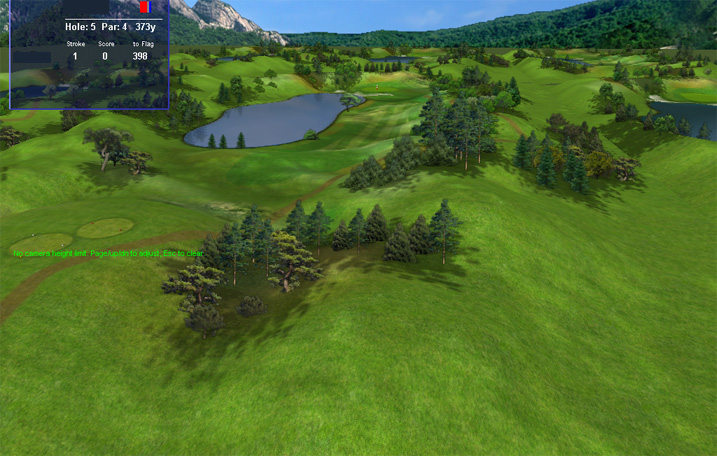
You can see and even travel to all the adjacent holes from the current hole.
The new ProX high speed large landscape renderer not only renders the terrain of the adjacent holes but all objects (trees etc) of all the course holes as well.
In the standard version of the software there is just blank space next to the hole.
Cross Screen Animations
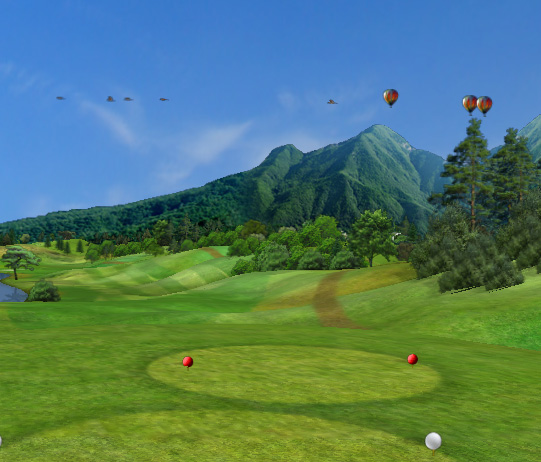
In ProX, birds and other flying objects fly across the sky.
Course generation
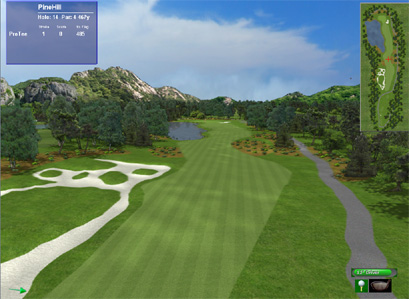
The above shown hole contains over 1000 trees and plants and was generated in 15 seconds
With the ProX Auto Course Generator you can create full 3d graphic golf course models from a simple course hole overview layout at the touch of a button!
The Create Course Hole procedure creates all surface textures, basic terrain including water ponds and bunkers,
light maps and tree shades, water reflection models, 2d overviews and plants all trees, plants, tees, flag etc.
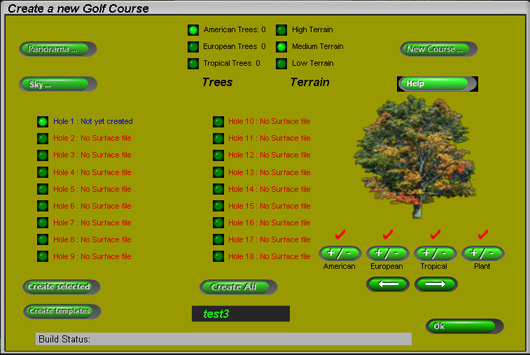
see AutoCourseGeneration for more details
ProX Features


High Performance 3D Graphics - The graphics system is a high resolution and high performance one (typically 70 frames per second and 16.7 million brilliant colors) that allows the user to move in real-time around the course. This is in strong contrast to all other systems that only show a static view. The GSA Golf graphics system is actually like a continuous movie. e.g. If, at any time during the game you want to see what lies behind a hill, you can simply navigate the virtual camera to go and have a look. Course fly-overs and multiple simultaneous views are all standard features. The user can even set the virtual view camera to be in the ball itself so that he/she may fly with the ball along it's trajectory in real time.
Trajectory trace
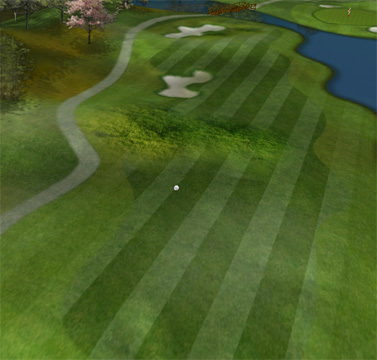
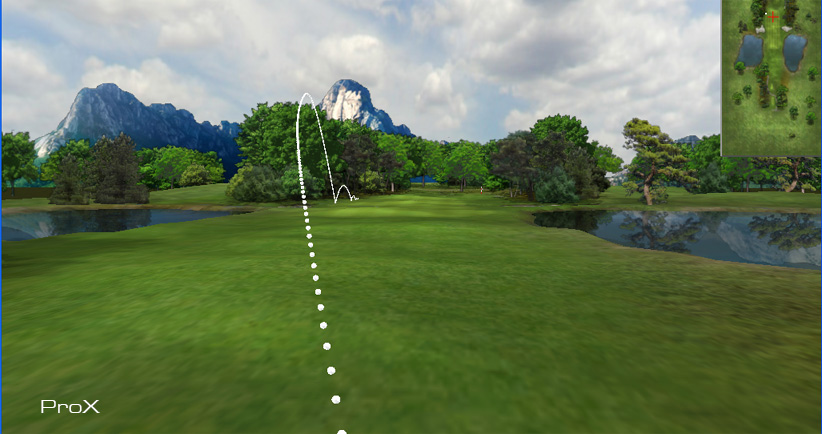
Fly-with-ball feature allows you to fly with the ball and along the ball's trajectory in real-time.
After your shot and you want to move to where the ball lies for the next shot, the GSA Golf virtual 3D graphics camera will fly you along the ball's trajectory to get you there. As opposed to other systems where you have to wait for the new view to be calculated, the GSA Golf system is so fast it seems instantaneous.
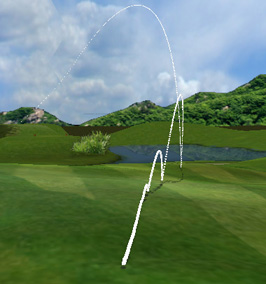
Realistic ball flight trajectory, bounce and roll
- including hooks, slices, pushes, pulls, fades and draws or any combination thereof, i.e. pushed hooks, pulled slices etc. plus wind factors (strength and direction) are also taken into account . When chipping and putting, the ball will follow the contour of the surface and it's path and speed will be influenced accordingly. Also, the flight trajectories of missed shots are shown i.e. Topped or fat shots, skied and shanked etc. The flight trajectory calculation routines use proven mathematical formulas that use all the parameters of the club face at impact with the ball together with the ball's initial flight angles and velocities.
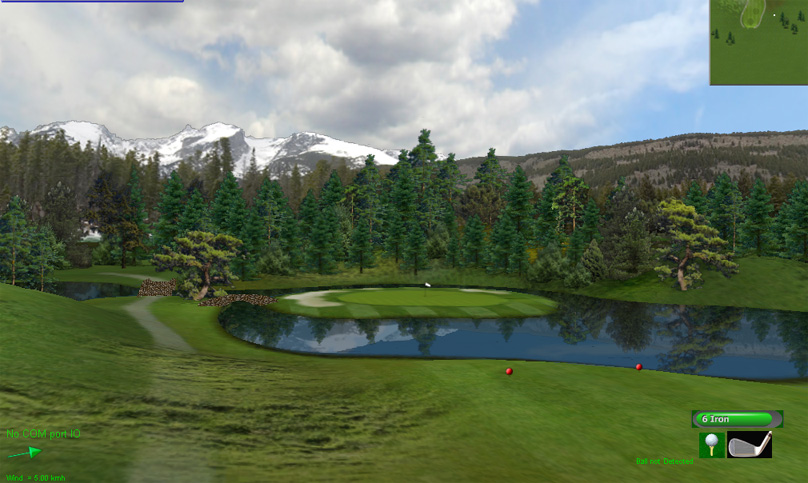
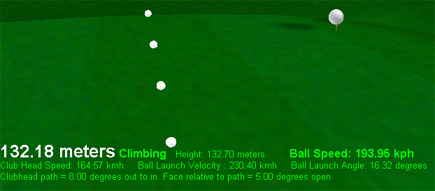
Distance and speed ball is traveling
during flight is shown in real time on screen together with launch data (optional).
Design your own golf courses
The GSA Golf 3D graphics system allows you to integrate your own designed golf courses using a standard graphics tool (e.g. MS Paintbrush pro, Adobe Photoshop Elements, Micrografix Picture Publisher etc). The GSA Golf auto course generator creates all surface texture maps, topographic height maps, light and shading maps, surface recognition, sky domes and object maps from a single layout image. The level of detail and realism is only limited by your artistic abilities, imagination and time.
Interactive Tree Planting and Object Scaling.
The GSA Golf auto course generator plants all trees and objects but you can also plant new and move/remove existing trees (or any other objects) directly on the course at any time.
Ball image starts at the ball impact point on the screen in real time.
When you hit the golf ball into the screen, the screen will absorb it's energy and it will fall to the floor. It's image, however, will continue on from the point of impact on the projection screen in a continuous smooth flow. And it is this aspect of the software - together with the field-of-view and perspective giving you the impression you are standing on the course - that makes the simulator so life-like and differentiates it from normal PC golf game software. You can aim at any target on the screen and if you hit an obstacle ( ie a tree branch) the ball will bounce off accordingly.
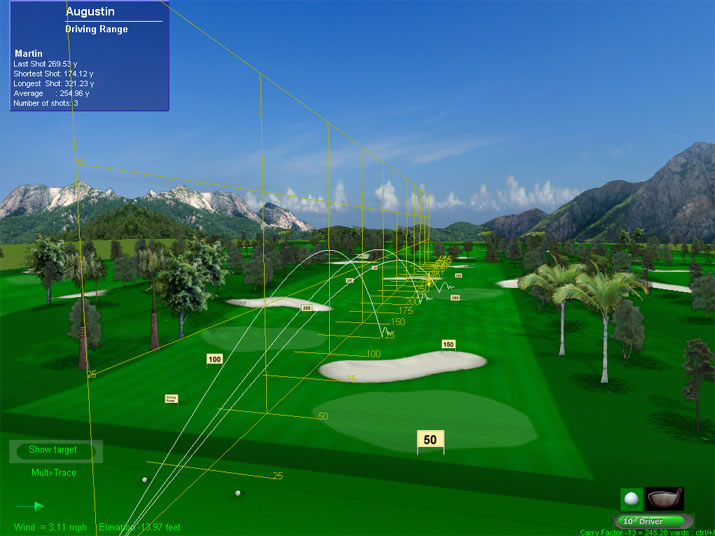
"Trace mode" allows you to see the complete trajectory
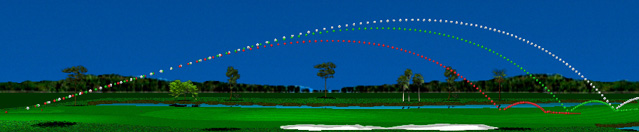
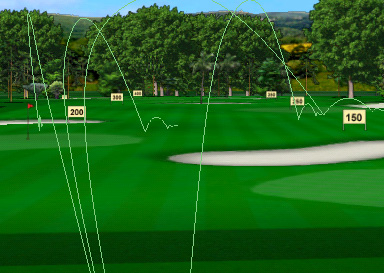
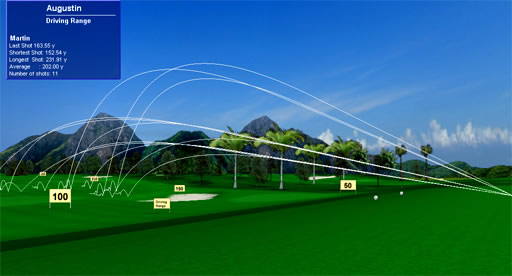
Up to 36 multiple trajectory traces can be shown for comparison
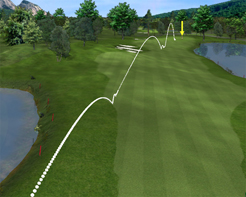
With Multiple Traces on during game play all trajectories are visible from tee off to putting in the hole.
-
Nearest Pin and Longest Drive contests

In addition to normal game play, Nearest Pin and Longest Drive contests can run in parallel.
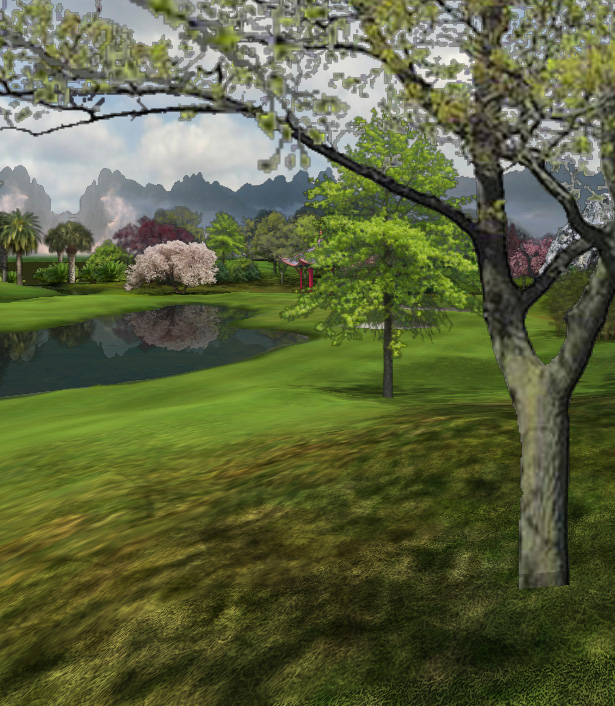
Detailed ground surface texture
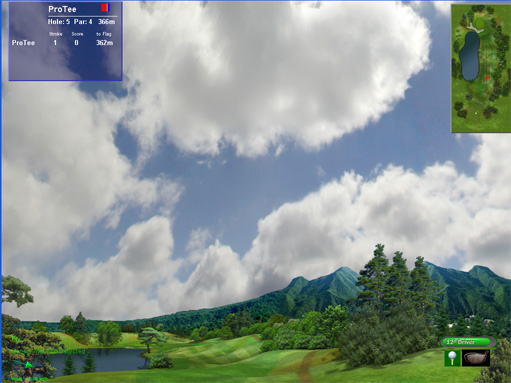
Sky/Cloud motion
Large Landscape Rendering
You can see and even travel to all the adjacent holes from the current hole. The new ProX high speed large landscape renderer not only renders the terrain of the adjacent holes but all objects (trees etc) of all the course holes as well.
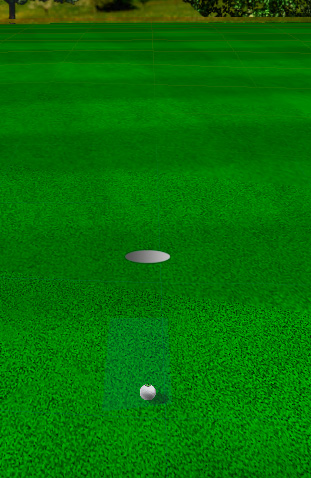
When putting, the camera will smoothly zoom-in to the ball while rolling from the original camera angle at launch position.
 Home
Home Sensors
 Cameras
 Software
 Enclosures
 GSA Courses
 E6 Courses
 Business
 Tech News